Discover something new
Browse top shows and trending episodes through Apple’s public podcast discovery services.
 OtterSuite
 RipplePodcast player · Android 9+
Podcasts, carried with you.
Ripple makes podcast discovery feel fresh and playback feel personal, while episodes still come directly from the people who publish them.
Built for the way you use it
Browse top shows and trending episodes through Apple’s public podcast discovery services.
A calm home timeline brings together the newest episodes from every show you follow.
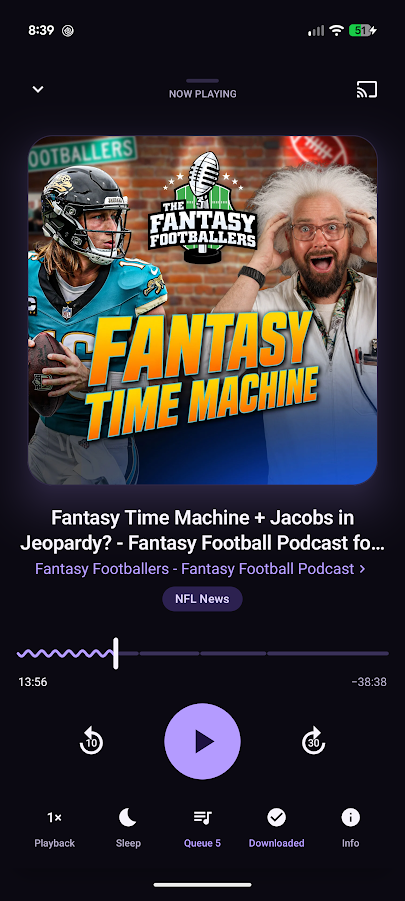
Speed, skip intervals, chapters, smart rewind, sleep timers, trim silence, and volume boost.
Save episodes on your device, choose Wi-Fi-only downloads, and optionally automate new releases.
Add to Up Next, choose Play Next, reorder what is coming, and keep your place across launches.
Background playback, Android Auto, media notifications, voice search, and optional Google Cast.
How it works
Start with public charts, trending episodes, or search for the exact show you want.
Ripple reads each creator’s RSS feed and builds a personal timeline on your device.
Stream directly from the publisher or download episodes before you head out.
Privacy, in plain language
Ripple has no OtterSuite account or tracking server. Search uses Apple’s public services, while feeds, artwork, and audio come directly from publishers and their hosts.
Read Ripple’s policy