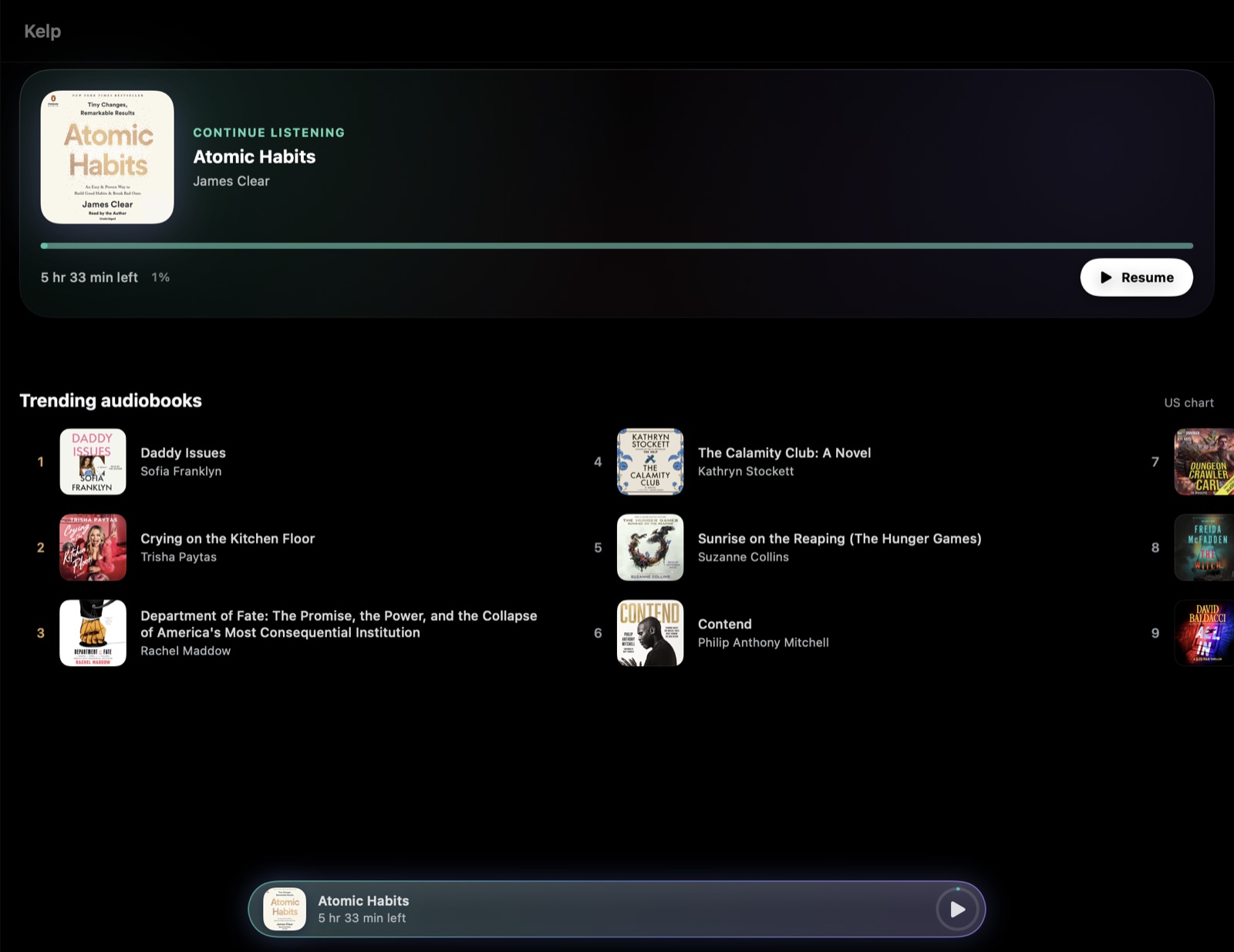
01 Listening
Pick up where you stopped.
Continue listening leads with the time left and a Resume button. The chart beside it shows what everyone else is hearing, laid out across the width of the window.
 OtterSuite
Kelp for Mac
A native Mac player for the books you already own. The calm, dark Kelp you know, with a sidebar, the menu bar and your keyboard.
01 Listening
Continue listening leads with the time left and a Resume button. The chart beside it shows what everyone else is hearing, laid out across the width of the window.
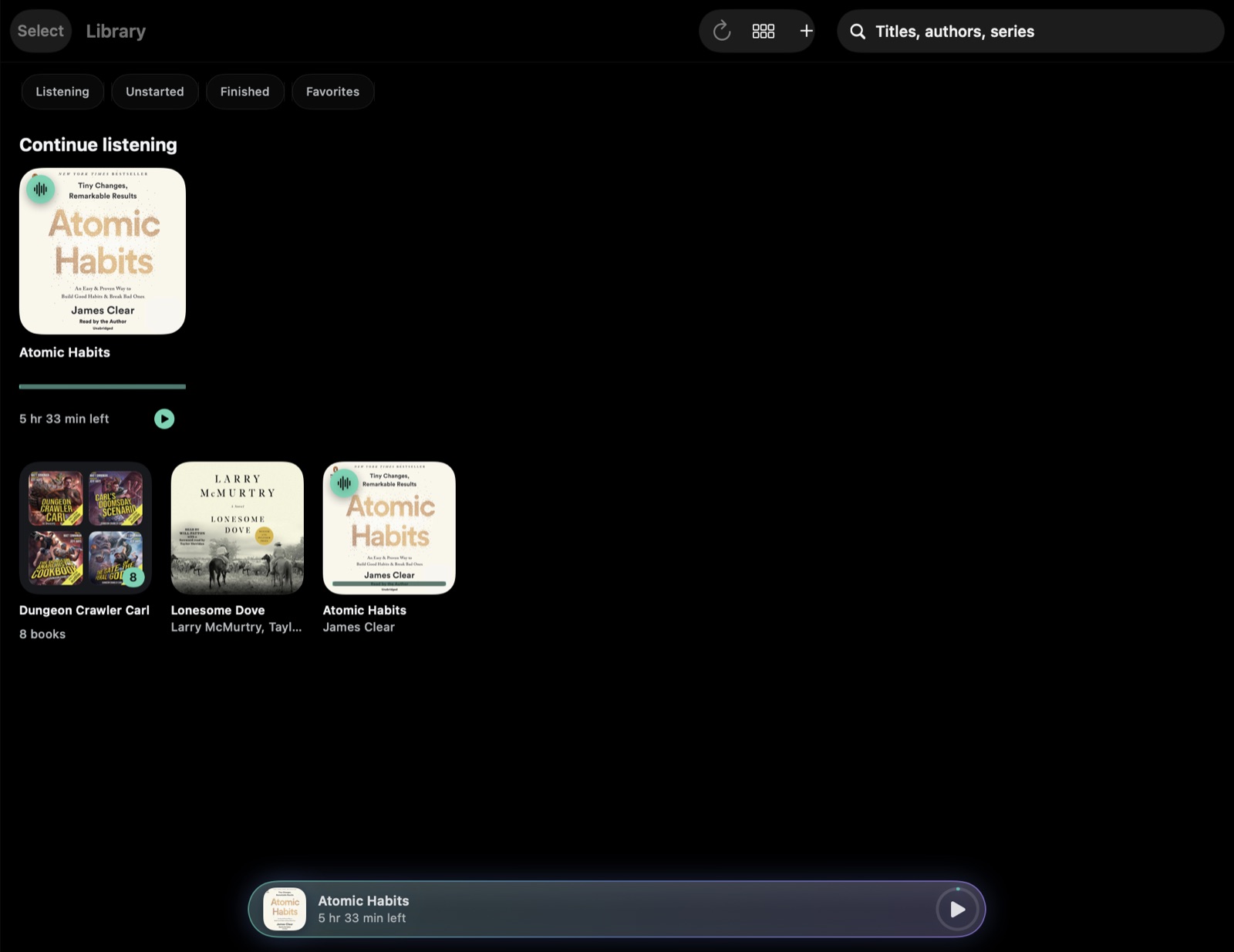
02 Library
Listening, Library, Stats and Settings sit in a sidebar, the way Music and Podcasts list theirs. A series becomes its own folder in reading order, and everything else files under its author.
03 Player
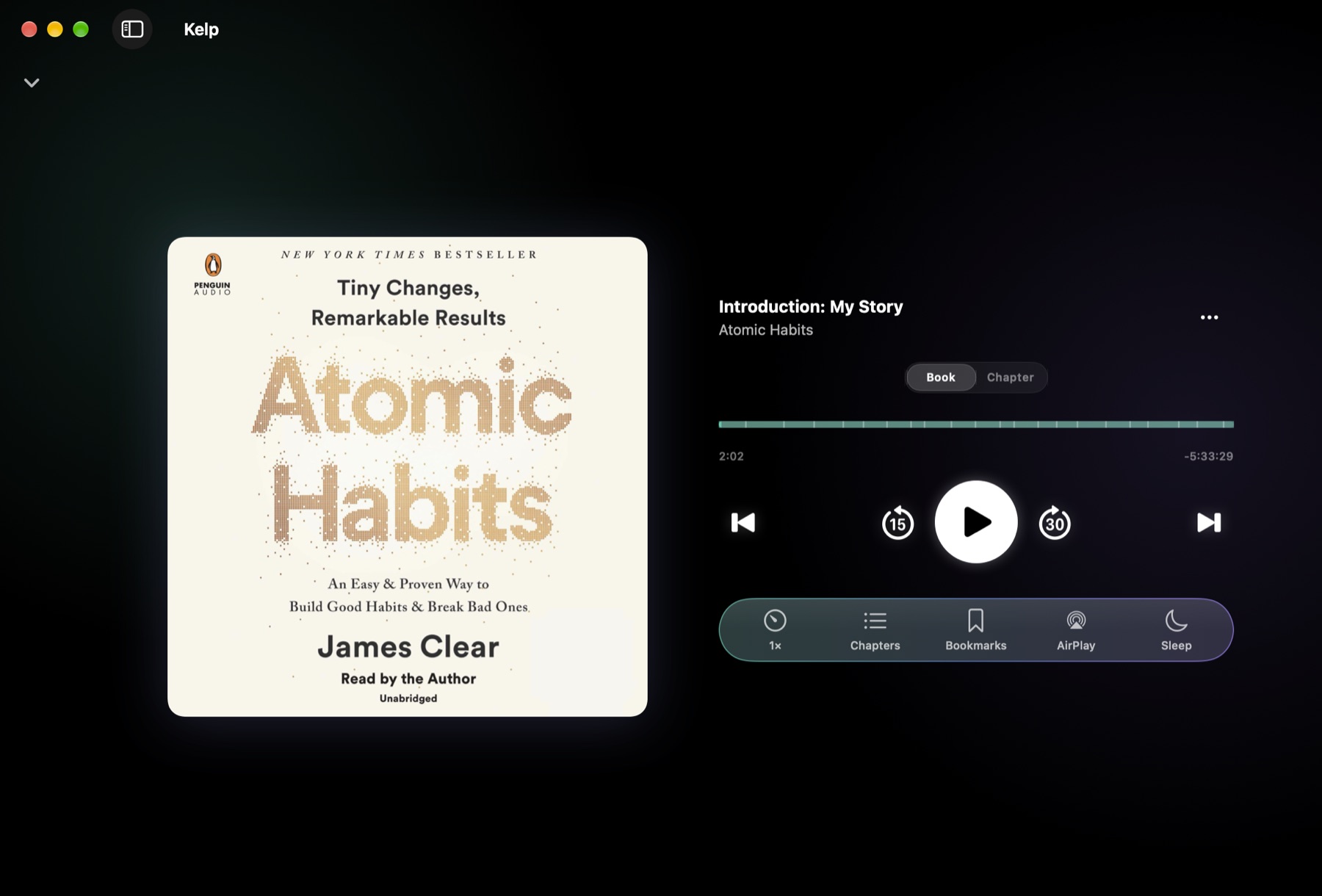
The cover on one side and every control on the other. Hover the timeline to see the chapter and time at that point before you click. Escape puts it away again.
Menu bar and keyboard
Space plays and pauses, and never when you are typing in a search. Skip, change chapter, change speed or set a sleep timer from the Controls menu, or without leaving the keyboard. ⌘1, ⌘2 and ⌘3 move between Listening, Library and Stats, and ⌘O adds audiobooks.
The details
Kelp plays on with its window closed, and the Dock icon brings it straight back. The keyboard’s media keys and Control Center work all the while.
Drag M4B or MP3 files, or a whole folder, from the Finder. Or Open With Kelp.
Point at the timeline to see which chapter is there, and when, before you jump.
Browse TorBox, Audiobookshelf or BookOrbit and download straight into the library.
Fifteen minutes to an hour, or the end of the chapter, from the player or the menu bar.
Send the book to a speaker or another room from the player’s bottom bar.
The iPhone app’s own SwiftUI and AVFoundation, built for the Mac, with a Liquid Glass sidebar. Not an iPad app in a window.
Stats
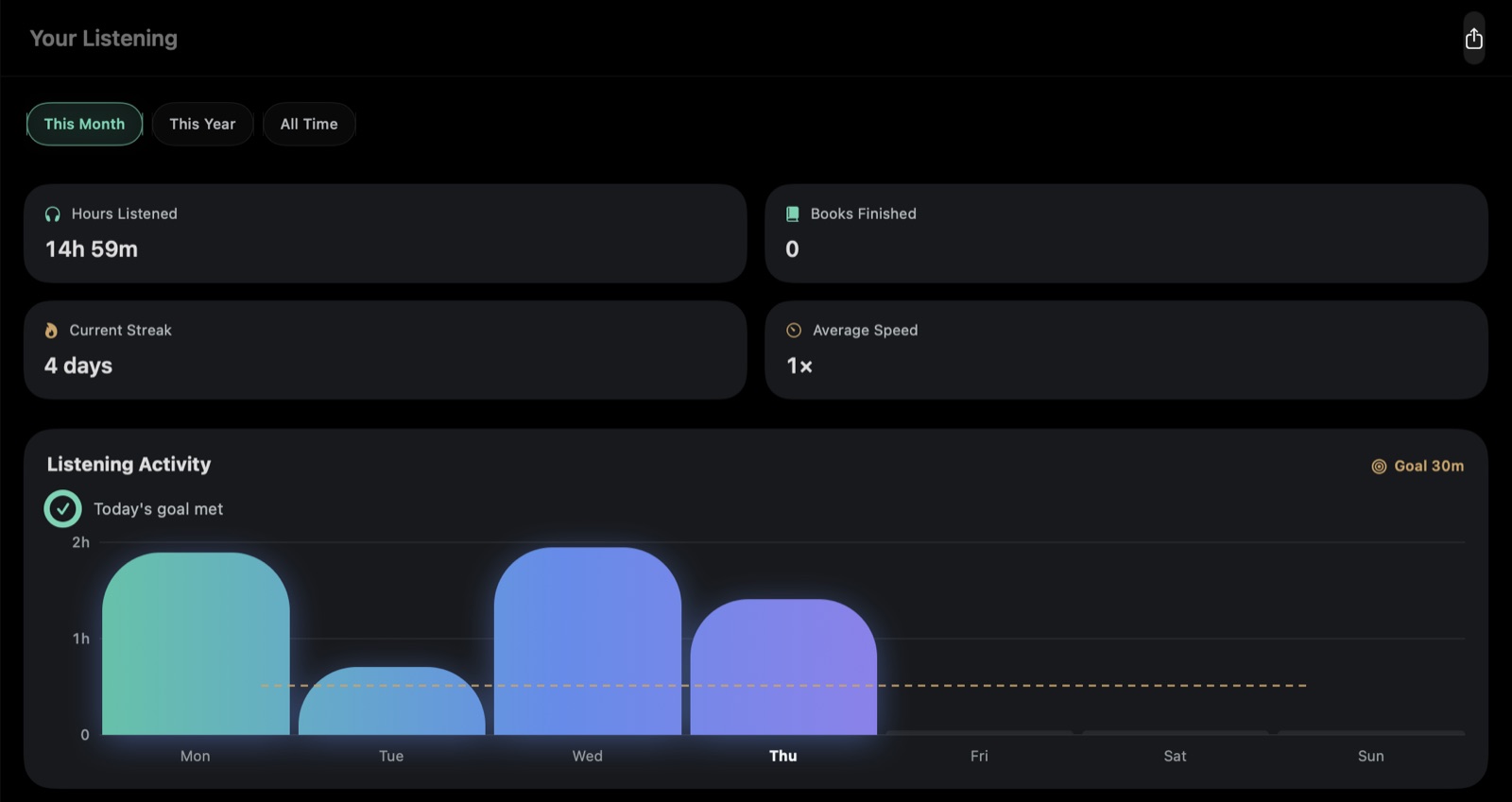
Hours listened, books finished, your current streak and average speed, for this month, this year or all time, with a daily goal to aim for. Time is counted on the clock, so listening at 2× is never counted twice.
Your library stays on your Mac. Books, progress, bookmarks and listening history are kept in Kelp’s own sandboxed storage. There is no Kelp account.
Lookups say as little as possible. Only a title or search term leaves the Mac, and only when Kelp looks a book up.
Sign-ins live in the Keychain. Kelp only reads from a service you connect, and its credentials are never stored with your books.
In public beta on TestFlight now, and coming soon to the Mac App Store. Requires macOS 26 or later. Kelp Pro is one purchase for your iPhone and your Mac.